

Your Technology Guide
Your computer is getting shipped to you!

Here's what you need to know:
- Please fill in the Address Collection form as soon as you receive the link. Your laptop will be mailed 1-2 weeks before your start date. If you will be traveling at that time, add a comment to the form you received via email to let us know!
- Once it arrives, please make sure the laptop has not sustained any damage during shipping.
- Please do not set up your computer until your first day. On your first day, you will receive an email titled “Happy First Day! Access your HubSpot Accounts” in your personal inbox. Follow the instructions provided in that email using your personal device.
(Note: If you don’t see the email, please check your spam or junk folder.)
- Click here to see additional information about your first day.
- Finally, please ensure your HubSpot laptop remains plugged into a power source during setup.
No worries, we've got a plan for you:
In the case that your HubSpot laptop arrives after your first day, please follow the steps below to join the sessions from your personal devices:
(Note: If you don’t have a personal machine you can use- truly no worries! Just let us know and we can talk through alternative solutions )
- Please make sure your personal device is fully up to date! Any software updates should occur prior to your first day.
- If you haven't already, please download Zoom here: https://zoom.us/download
- Same thing with Chrome: https://www.google.com/chrome/
- If you already have Chrome downloaded, please create a new user profile following this guide so you can sign in using your HubSpot credentials when you receive it on the morning of your first day.
- Finally, please email emeafirstday@hubspot.com regarding the delay. We can add your personal email to the correct invites.
On your first day: You will be able to sign into your HubSpot gmail with your HubSpot credentials.
You can email Helpdesk@hubspot.com with any questions or concerns.
Frequently Asked Questions

- Move closer to your wifi router
- Use an ethernet cable
- Turn off unused wifi devices
- Close out unused internet based application
- Restart your devices and router
- Upgrade your internet package
- Upgrade your router
- Get a wifi extender
To set you up for success while working remotely, HubSpot offers you the option to request the items listed below.
On your first day, you’ll receive an email in your HubSpot inbox with instructions on how to request your remote work equipment.
You’ll be able to request the following items:
-
Monitor
-
Headset
-
Mouse or Trackpad
-
Keyboard
Think before you click - Earth will thank you! 🌍
Only grab the gear you truly need. Fewer gadgets = less waste, less shipping, and more love for the planet. It’s all about working smart, staying green, and being a sustainability superstar. 💚
We have put a lot of thought and work into the tech kit we offer above, but if you need additional technology for remote success, please let your manager know once you have started at HubSpot.
They will be able to find the best solution for you. Whether you use your remote set up stipend for this additional gear, or partner your human resource business partners- Your manager will help you get you set up for success!
Leveraging Your Tech Stack
Navigating a tech company fully remote can certainly be a learning curve! Here at HubSpot, our technology teams work overtime to get you set up for success. Your tech stack is your portal to HubSpot and we want to make sure you have a full understanding of the technology that enables you to do your best work.
This page will give you a review of some (disclaimer you will learn about far more once you start) of the technology we use at HubSpot.

Let's get to know each system better


Zoom
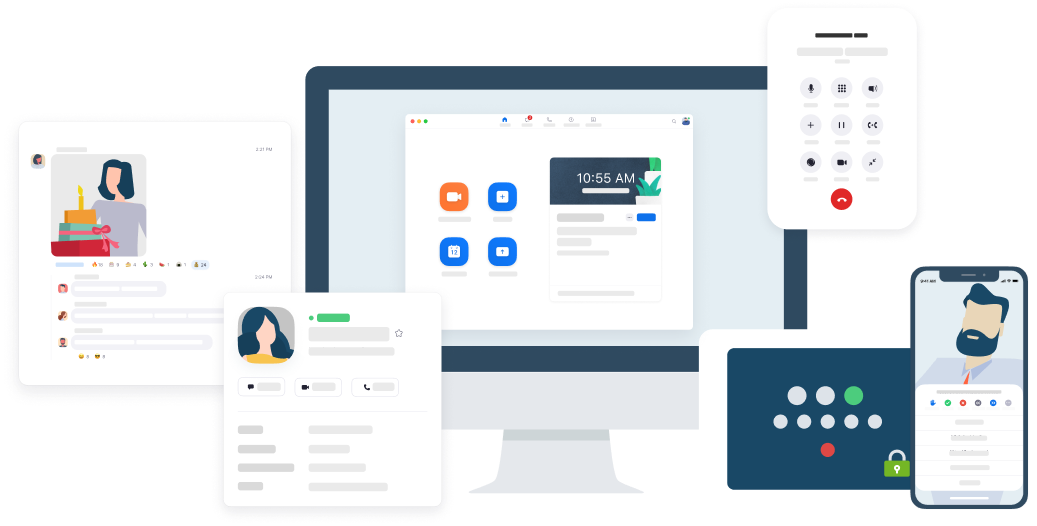
At HubSpot we use Zoom for all of our video conferencing. (Disclaimer: we love Zoom. Especially in this "brave new remote world") You can learn more about zoom and how to use it by watching the trainings on this page.
You can also find Zoom Troubleshooting resources here.
Slack
We are a creative, energetic group
Fun fact: HubSpot's got the 2nd largest personalized emoji bank on slack: and we are proud of it. Learn more here!
Slack is our instance messaging system internally. This renowned collaboration tool enables HubSpotters to GSD (Get sh*t done) in a quick and efficient way. It is a total plus that it is fun to use and it is a great way to express emotions via giphy or emoji.
The G-Suite
If you have never used the G-Suite before, OR are coming from a Microsoft office world- have no stress! We have trainings to assist with that learning curve and can help you along the way.
Want to proactively learn about the G-Suite? Check it our favorite external trainings here!